The game day guest
Find a place to eat before or after the event.
Path
- Homepage
- Game day dining
- View Menus
- Upcoming Event
- Visit
Important information
Ticket holder access, opening timing, menu, and location.
We use cookies to understand how visitors use this site. Analytics stays off unless you accept.
601 Miami restaurant and events website
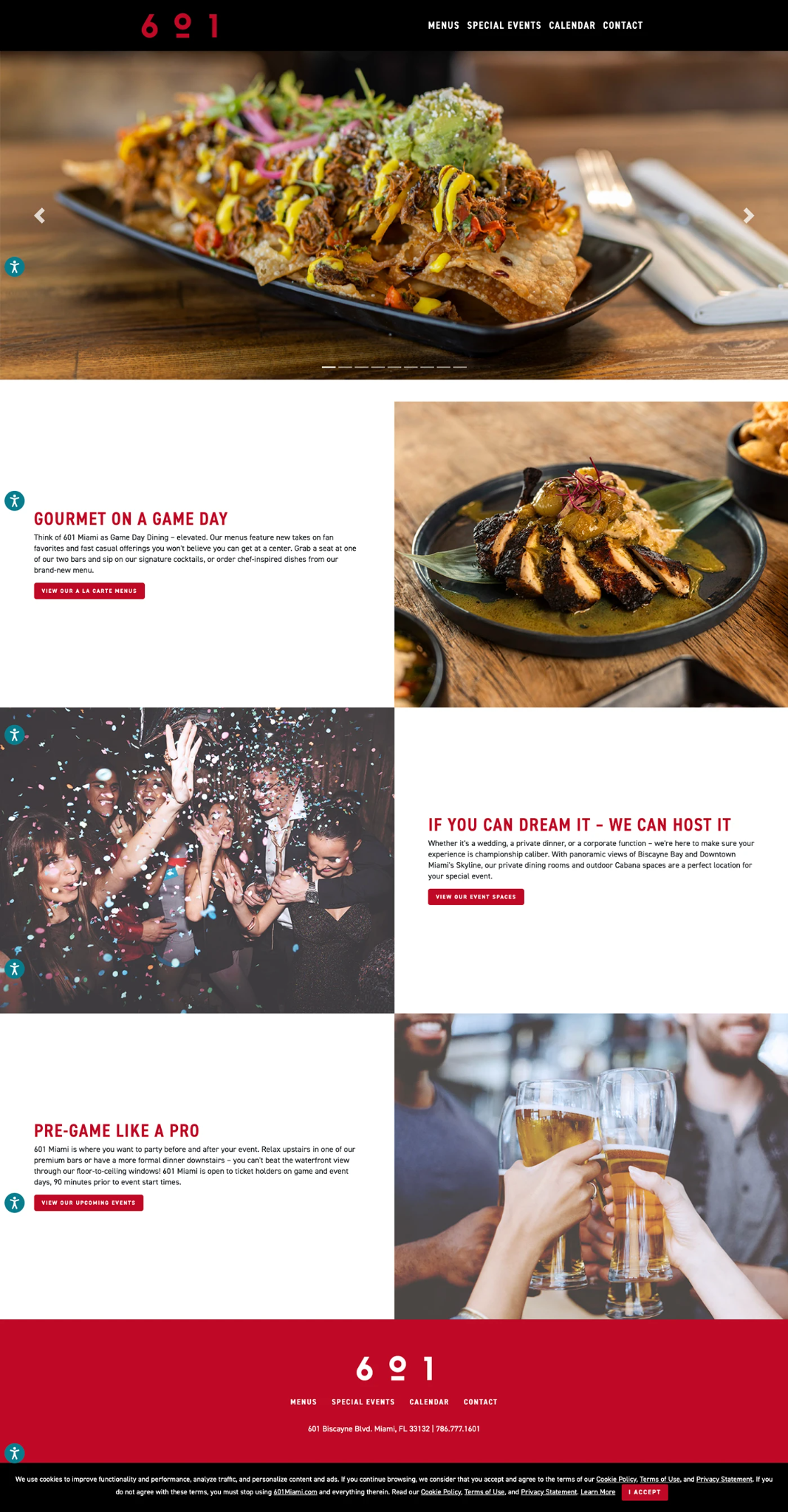
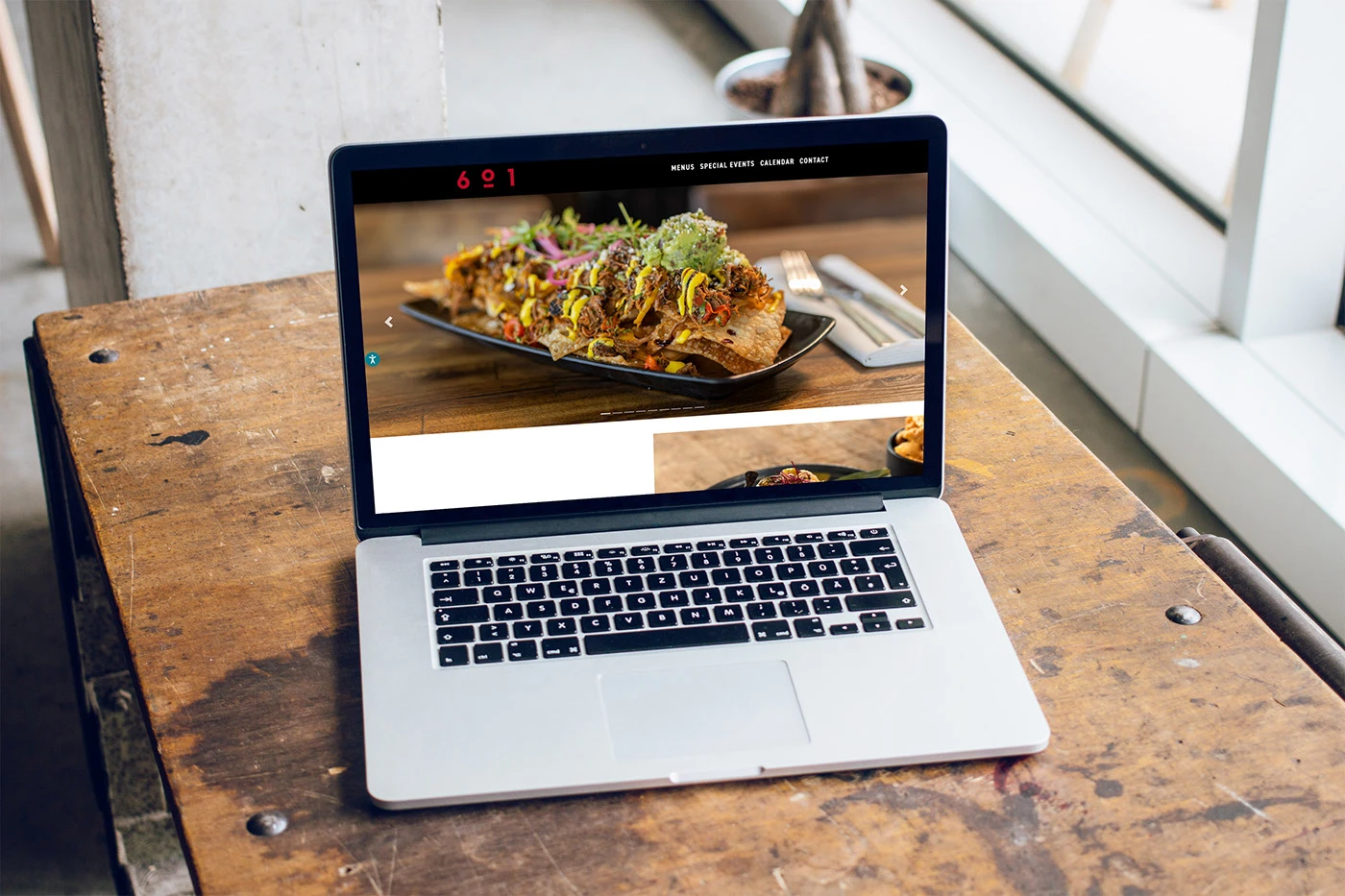
I helped shape 601 Miami into a clearer digital destination for dinner, game day, and private events. The work combined content design, seasonal publishing, brand alignment, SEO structure, and simpler paths to the actions guests needed most.
02 · Overview
601 Miami needed to feel like a destination of its own while remaining connected to the energy and schedule of the arena. The website had to move easily between appetite, occasion, and event planning.
I focused on the moments when visitors needed confidence. What is on the menu. Can I host my event here. How does dining work on game day. Each question became a clear path through the page.
03 · The challenge
The restaurant had strong visual material and a compelling location, but the site needed clearer priorities. Menu browsers, ticket holders, and event planners arrived with different questions. If every message had the same weight, the page became slower to understand.
Seasonal changes created a second challenge. New dishes, drinks, events, and availability had to be published without rebuilding the experience or creating inconsistent pages.
Guests needed a faster path from a food image to the current menu.
Planners needed to understand the experience and reach an inquiry action without hunting.
Editors needed reliable patterns for changing menus and event content throughout the season.
04 · Product thinking
What can I eat or drink?
Content
Food photography, menu categories, signature items, and View Menus.
Is this right for my game day or private event?
Content
Event spaces, atmosphere, waterfront setting, arena access, and upcoming dates.
What should I do next?
Content
View Menus, View Event Spaces, View Upcoming Events, Contact, and inquiry paths.
This model kept the page focused on real visitor decisions. The imagery created desire, the content answered practical questions, and the call to action moved the guest forward.
05 · Visitor journeys
Find a place to eat before or after the event.
Path
Important information
Ticket holder access, opening timing, menu, and location.
See what feels worth the visit.
Path
Important information
Clear categories, readable item names, and current seasonal content.
Understand the spaces and start an inquiry.
Path
Important information
Event type fit, strong photography, useful details, and a visible next step.
06 · Structure
Menus
Special Events
The navigation stayed short because the photographs and page content carried the story. The menu labels used the same words guests were already looking for.
07 · Content operations
Fields
Image, alt text, focal point, optional link, display order.
Fields
Eyebrow, heading, short copy, image, and one primary action.
Fields
Category, item name, description, dietary note when provided, and availability.
Fields
Space name, photography, best use, verified details, and inquiry action.
Fields
Event name, date, timing, dining relevance, and link.
Fields
Address, phone, event day access, and verified opening information.
Update flow
The goal was not to remove editorial judgment. It was to give editors a predictable structure so each update stayed readable, accurate, and on brand.
08 · Menu experience
Content model, not production screen
Menu section
Category name
One short line that sets the dining expectation.
Menu item, repeated
Description, plus a dietary note when the kitchen provides one.
Primary action
View MenusI treated menu content as structured information, not a poster. That made it easier to update, easier to scan on a phone, and easier for search engines to understand.
09 · Event inquiries
Step one
Use the view, atmosphere, dining rooms, and Cabana spaces to help guests imagine the occasion.
Step two
Explain what kinds of events the venue supports using only verified content.
Step three
Present practical details in a consistent and scannable format.
Step four
Keep View Event Spaces and Contact visible and specific.
The event path needed to do more than look premium. It had to reduce uncertainty. I organized the information so planners could understand the offer, assess fit, and know how to continue.
Case study illustration of the action pair. Not a working form.
10 · Arena experience
01
Find the arena event
02
Discover 601 Miami
03
Review the menu
04
Arrive before the event
05
Dine, then continue into the venue
The official 601 Miami site says the restaurant opens to ticket holders 90 minutes before event start times.
The website connected dining to the event without making the restaurant feel like a generic arena concession. Timing, access, and location helped make the experience practical. Photography and voice helped it remain distinctly 601 Miami.
11 · Visual direction
Black creates an evening hospitality tone and a natural link to arena energy.
Deep red connects the experience to Miami HEAT without turning every section into team branding.
Warm white gives food photography and editorial copy room to breathe.
Large image blocks make the space and menu feel tangible.
Type specimen
Dinner, game day, events
Lede, 600 weight available for emphasis.
Body copy at 16 pixels, weights 400, 600, and 700 only.
Palette
The production page used an alternating image and copy rhythm to move between dining, private events, and game day.
12 · SEO and content structure
Structured data should reflect visible, verified content. Never add values only for search engines, and never publish hours or event details that the content team cannot keep current.
13 · Quality
14 · Outcome
I worked across copy, imagery, page structure, publishing, and quality assurance. Seasonal changes were reviewed in context, then checked after publishing on desktop and mobile. Event links, menu content, headings, metadata, and visible calls to action were part of the same release check.
This project reinforced that content operations are part of the guest experience. A beautiful page loses value when the menu is old, the event path is unclear, or mobile visitors cannot find the next step. The strongest solution combined visual appetite with dependable information and a publishing structure the team could keep current.
Good hospitality begins before the guest arrives.